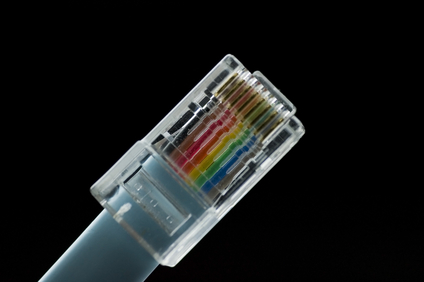
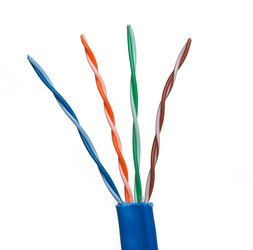
Given that labor costs for installation are much higher than the material cost for cable; your first requirement is to use the highest grade cable available. Cat5e is the most common, but Cat6 is becoming the standard as it is rated for a higher frequency signal, a somewhat higher cable quality, and has tighter specifications for noise and crosstalk. Both Cat5e and Cat6 can handle gigabit speeds.
Both Cat5e and Cat6 use 10BaseT “twisted-pair” cabling, because it is ideal for either small, medium, or large networks that need flexibility and the capacity to expand as the number of network users grow. In a twisted-pair network, each PC has a twisted-pair cable that runs to a centralized hub. Twisted-pair is generally more reliable than thin coax networks because the hub is capable of correcting data errors and improving the network's overall transmission speed and reliability. Also known as “up linking” hubs, they can be chained together for even greater expansion.
Should you install the cabling yourself, or hire a contractor? The smaller the office network, the more tempting it is to install cabling in-house. While this will save installation costs, it is important to be sure that all the cabling is installed and tested to professional standards. If your network encompasses multiple rooms-and/or floors, then hiring a professional cable installer that has experience with data communications networks is the safest and most practical route. General electricians may not be familiar with all the requirements. Experienced cable installers such as Progressive Cabling will know the right grades of cables and connectors and have the knowledge and equipment to install and test a cabling system.


 Always study and document the required cabling layout and the distances between the equipment to be cabled before starting a Cat6 cable installation.